Turning photos into cartoons has become one of the most popular digital trends. But if you have tried looking for solutions yourself, you have likely realized that most search results are filled with tools that add heavy watermarks, lock downloads behind expensive paywalls, or force you to install large apps.
We did the hard work so you don't have to. We tested 7 of the most popular platforms to find the true best cartoon photo editor online that works instantly and watermark-free in 2025.
- --
Direct Comparison of the Best Cartoon Photo Editors
| Tool Name | Price | No Watermark? | No Signup? | Processing Latency | Verdict |
|---|---|---|---|---|---|
| CartoonPhotoEditor.com | 100% Free | Yes | Yes | ~5 Seconds | Winner (Best Overall) |
| BeFunky | Limited Free | No | No | ~15 Seconds | Great but has paywalls |
| ToonMe | Paid/App Only | No | No | ~20 Seconds | Too many ads |
| VanceAI Cartoonizer | 3 Free Credits | Yes | No | ~12 Seconds | Good but premium |
| Cartoonize.net | Ad-Supported | No | No | ~15 Seconds | Outdated interface |
| Fotor Cartoonizer | Premium Trial | No | No | ~10 Seconds | Complex paywalls |
| Prisma Editor | App Only | No | No | App Launch | Hard to use on web |
- --
In-Depth Reviews: The Top 7 Online Cartoon Converters
#1. CartoonPhotoEditor.com (Best Overall)
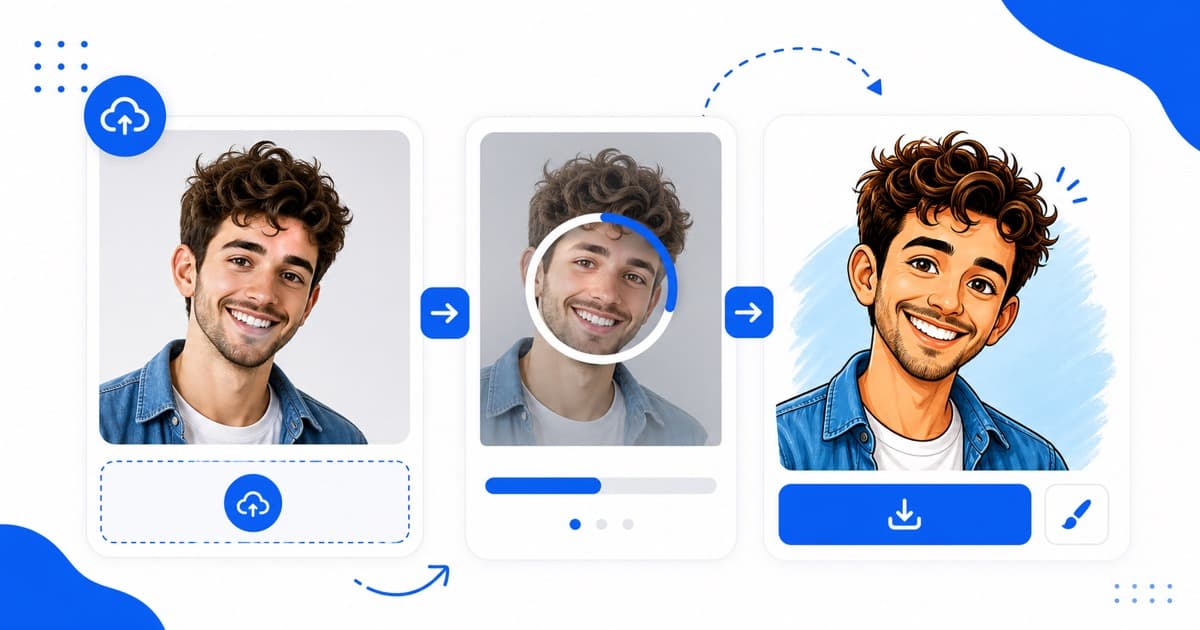
Our in-house tool is designed from the ground up to solve the exact annoyances of other platforms. By using modern web sandboxing models, it runs fully client-side to keep your data private and process images instantly.
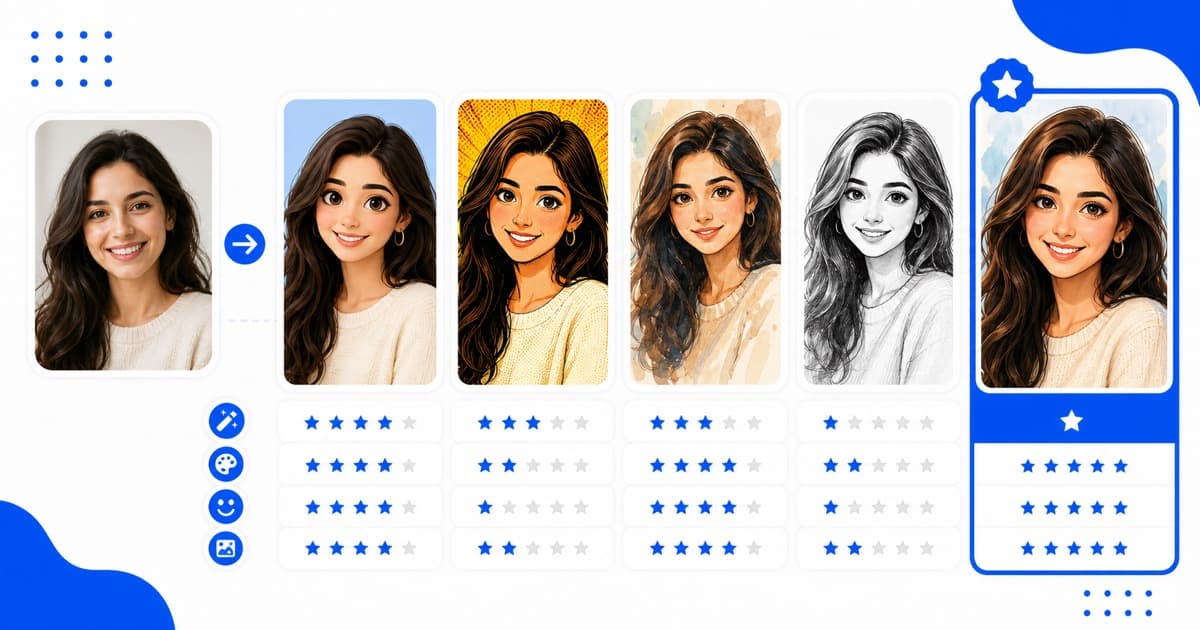
- Pros: 100% free, zero watermarks, secure localized processing, support for multiple styles (Anime, Comic, Caricature, Ghibli), instant downloads.
- Cons: Works best with bright lighting portraits (might struggle on low-light scans).
#2. BeFunky Cartoonizer Hook
BeFunky is a popular web photo editor with complex effects.
- Pros: High-quality textures and filters.
- Cons: The cartoon filter is locked under premium plans. Trying to bypass forces heavy watermark signatures across the middle of your image.
#3. ToonMe Avatar Maker
Popular on mobile, ToonMe provides diverse, fun cartoon presets.
- Pros: High variety of thematic avatar layouts.
- Cons: Hard to use on mobile browsers without downloading their massive standalone application. The free trials include heavy video ads.
#4. VanceAI Cartoonizer
VanceAI produces clean, smart cartoon renderings using server-side models.
- Pros: Crisp, professional vector paths and watercolor smoothing.
- Cons: You only get 3 free credits. Subsequent cartoonifications are expensive and require monthly memberships.
#5. Cartoonize.net
One of the oldest platforms, Cartoonize.net provides classic effects.
- Pros: Diverse legacy painting settings.
- Cons: The interface is outdated and loaded with flashy pop-up banner advertisements that degrade the user experience.
#6. Fotor Online Filter
Fotor is a massive graphic design suite with cartoon tools.
- Pros: Modern interface layout.
- Cons: Force-redirects you to sign up using your social media profiles before showing the processed rendering, and appends a watermark.
#7. Prisma Photo Editor
Prisma uses style transfer algorithms to replicate artistic drawings.
- Pros: Highly stylized painterly textures.
- Cons: Mostly focuses on their iOS/Android apps, with limited web preview functionality.
- --
Verdict: Which Tool Should You Choose?
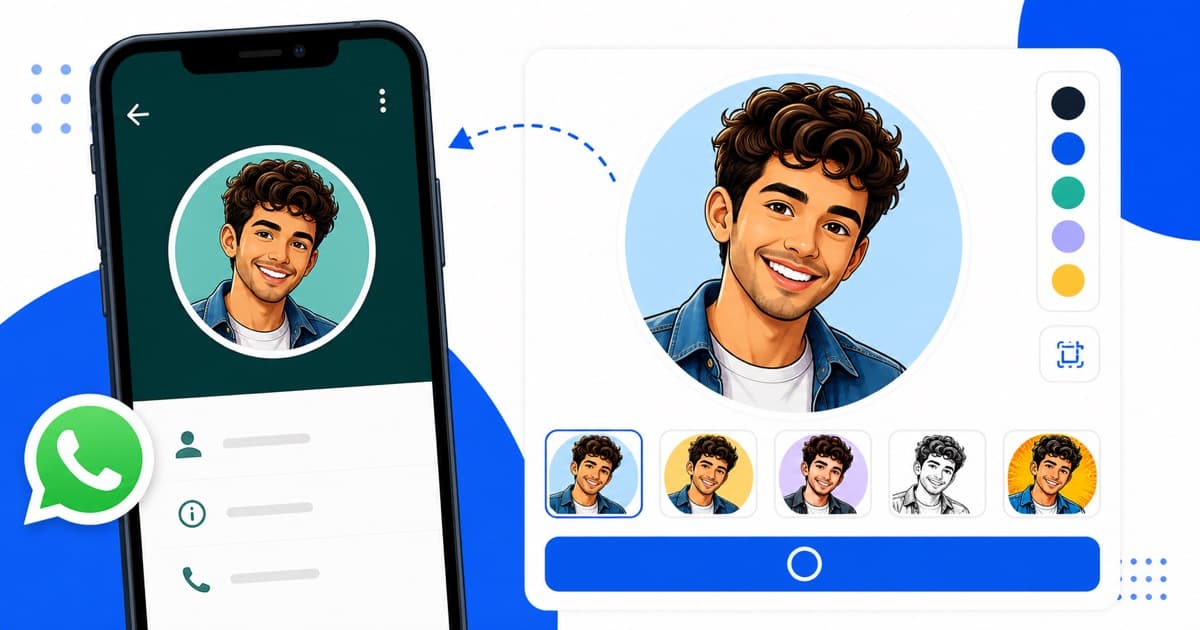
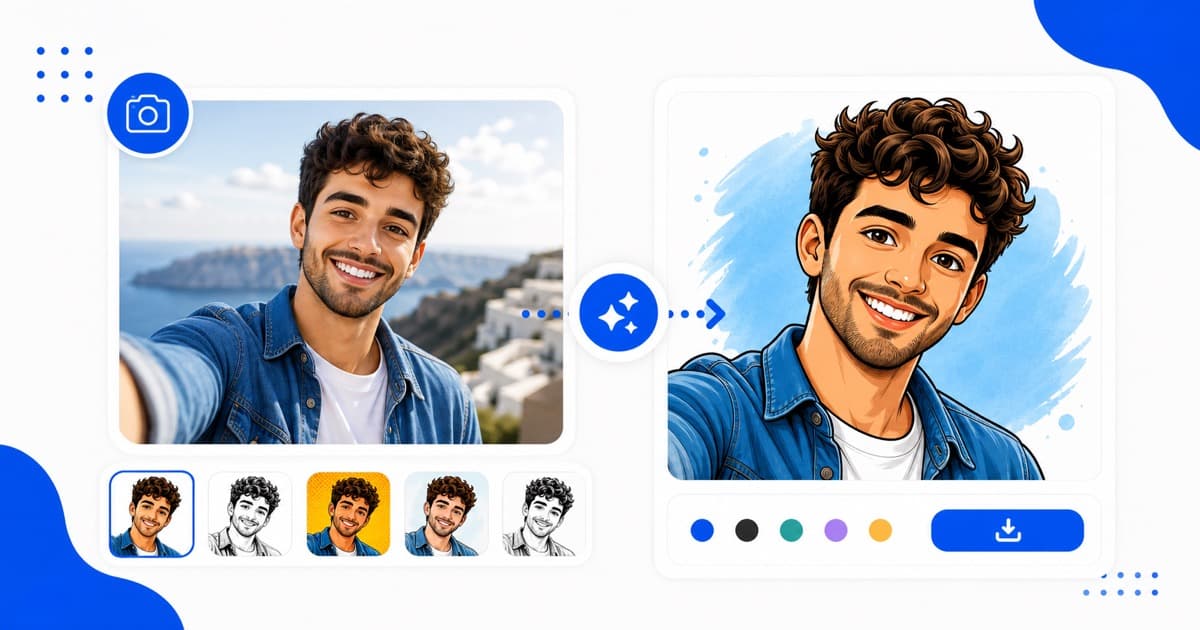
If you are looking to quickly turn a selfie into a comic book poster, a WhatsApp DP, or an anime profile picture without signing up or spending a single paisa, CartoonPhotoEditor.com is the clear winner for performance, speed, and privacy.
Ready to start converting? Use the best free cartoonizer on our homepage!