With over 500 million active users in India, your WhatsApp Profile Picture (Display Picture or DP) is your primary digital identity. Changing your normal photo into an artistic cartoon is a massive trend that lets you stand out in chat lists while maintaining a cool layer of visual privacy.
If you are looking for the best cartoon photo editor for WhatsApp DP that is free, requires no signup, and does not add a watermark, you are in the perfect place.
Why Cartoon DPs Are Trending on WhatsApp
Regular selfies can sometimes feel repetitive. Converting your portraits into vibrant vector cartoons or anime illustrations adds a splash of personal style and fun of custom design.
- Privacy First: If you participate in large public student communities, JEE/NEET study forums, or job networks in India, a cartoon DP protects your real-face privacy while keeping your presence recognizable.
- Visual Distinction: A colorful vector face outline stands out clearly inside small circular chat bubble feeds.
- Aesthetic Vibe: It conveys a modern, tech-savvy, or anime-loving personality that standard stock photos cannot match.
- --
How to Create a Cartoon WhatsApp DP in seconds
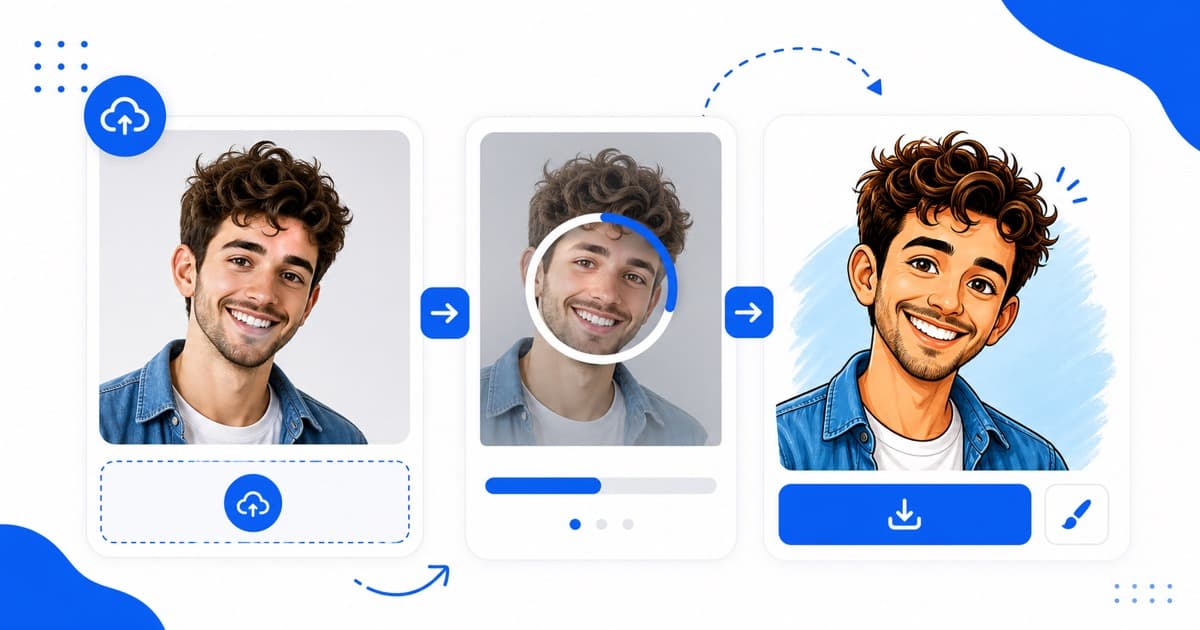
1. Prepare your selfie: Select a clean, centered, high-resolution portrait from your camera roll.
2. Go to the tool: Head over to CartoonPhotoEditor.com and locate our converter console.
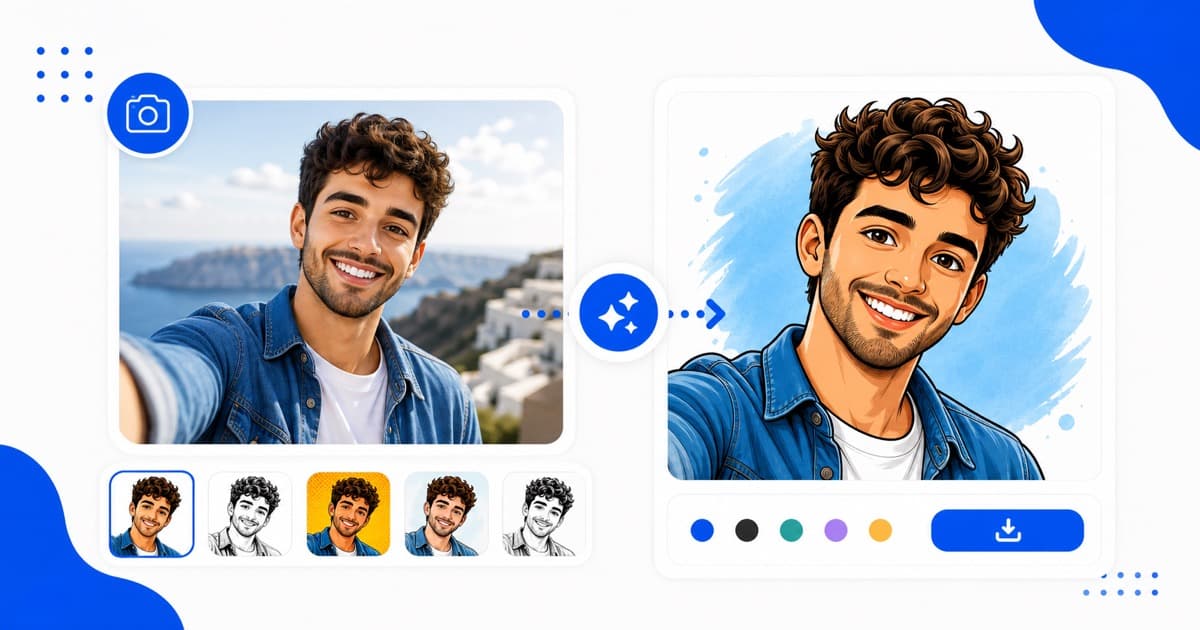
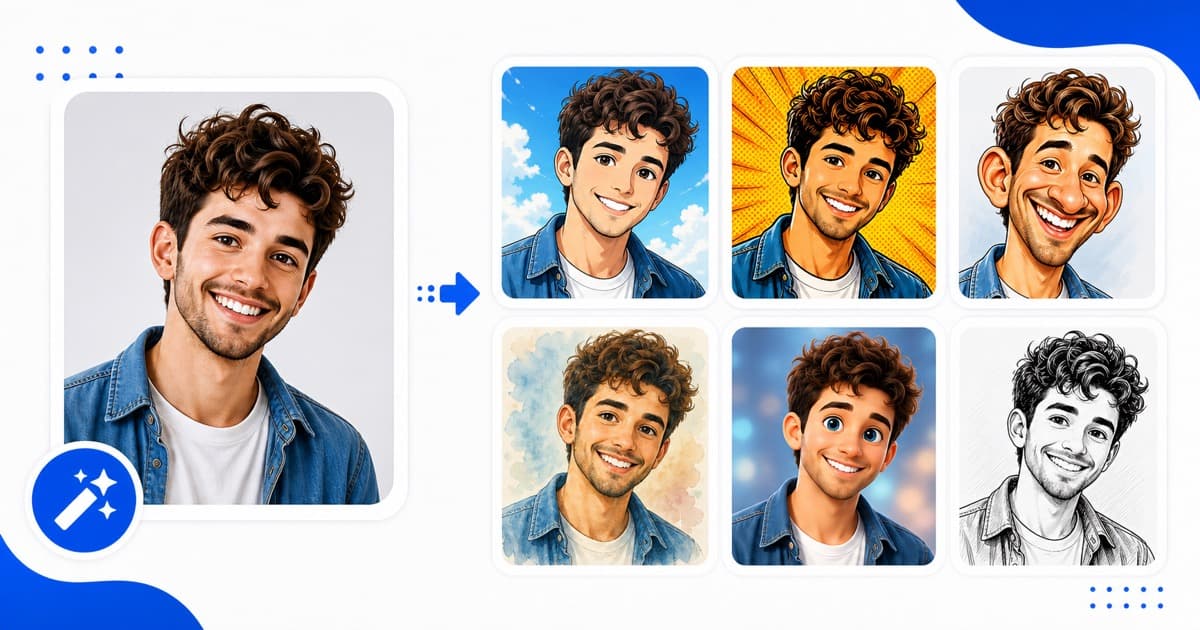
3. Select your style: Classic cartoon works great for clean bold lines. For vibrant dreamy highlights, select the Anime Filter. For retro vibes, choose the Comic Effect.
4. Convert & Save: Click the upload console, wait 5 seconds, and download your free watermark-free high resolution square JPG.
Creative Cartoon DP Ideas for WhatsApp
1. The Classic Hand-Drawn Sketch
Ideal for boys and girls who want an authentic, clean hand-drawn look with subtle grey shadow contours and bold surrounding edge lines. It looks sophisticated and editorial on professional group chats.
2. The Luminous Anime Portrait
Perfect for anime fans! This filter introduces beautiful blue and pink pastels, making your selfies look like they were animated by popular illustration teams.
3. Retro Comic Book Pop-Art
Perfect for bold personalities. This filter introduces posterized levels and black comic grid hatches. It looks incredibly artistic and colorful, catching everybody's attention.
- --
How to Set Your New Avatar on WhatsApp
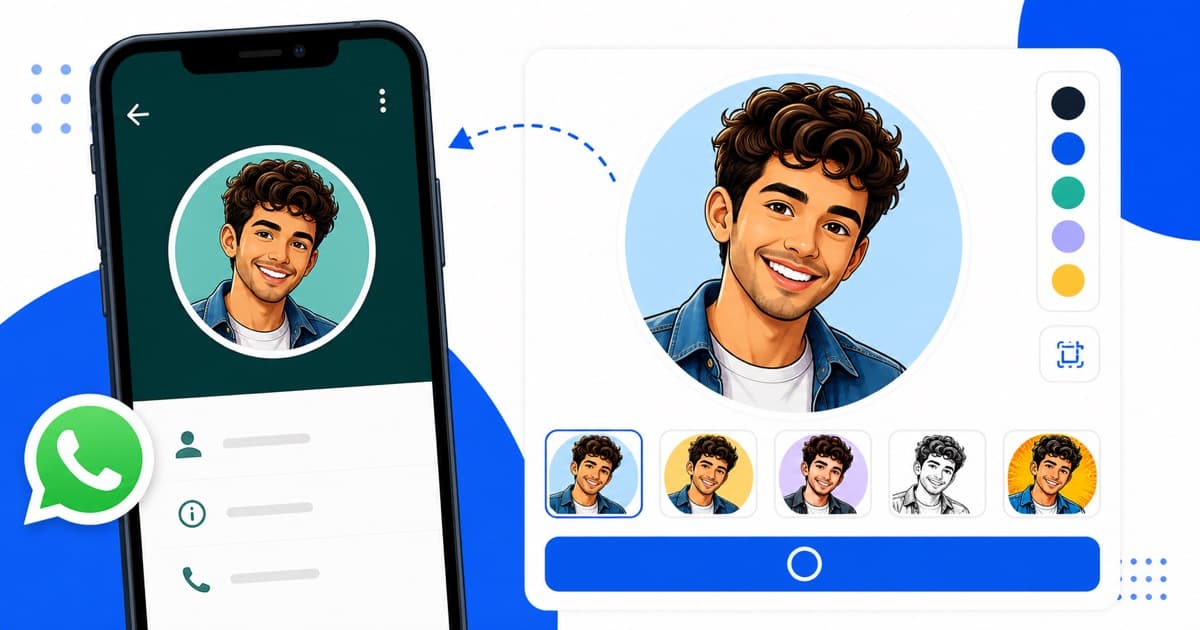
Once you have downloaded your watermark-free result file from CartoonPhotoEditor.com, setting it up is very simple:
1. Open WhatsApp on your iPhone or Android phone.
2. Go to Settings and tap on your current profile photo.
3. Tap Edit or the Camera icon.
4. Select Choose Photo or Gallery, navigate to your downloads, and pick your finished cartoon artwork.
5. Zoom or center the square boundaries as desired, and tap Done!
Ready to level up your chat lists? Convert your photo to a cool cartoon avatar instantly!