How often have you clicked "cartoonize" only to be redirected to download a heavy, ad-ridden 150MB mobile app? The truth is, you do not need to install complex local programs to get premium hand-drawn cartoon results.
With CartoonPhotoEditor.com, you can cartoon yourself online free instantly in any browser. Let's explore how it works and what makes web-based illustration filters so powerful.
The Problem with Mobile Cartoon Apps
Before downloading any photo editing app from the Google Play Store or App Store, consider these critical factors:
- Major Privacy Risks: Many free app installers request intrusive system permissions, such as scanning your contacts, tracking GPS locations, or reading your entire device storage directory.
- Paywall Triggers: Most apps let you upload an image but block saving behind weekly/monthly subscription triggers.
- Device Slowdowns: Continuous updates and backgrounds processes from third-party editors slow down low-tier smartphones.
By using CartoonPhotoEditor.com, you perform secure photo vectorization right inside your browser, completely bypass installers, and keep your files private.
- --
How to Cartoon Yourself Online
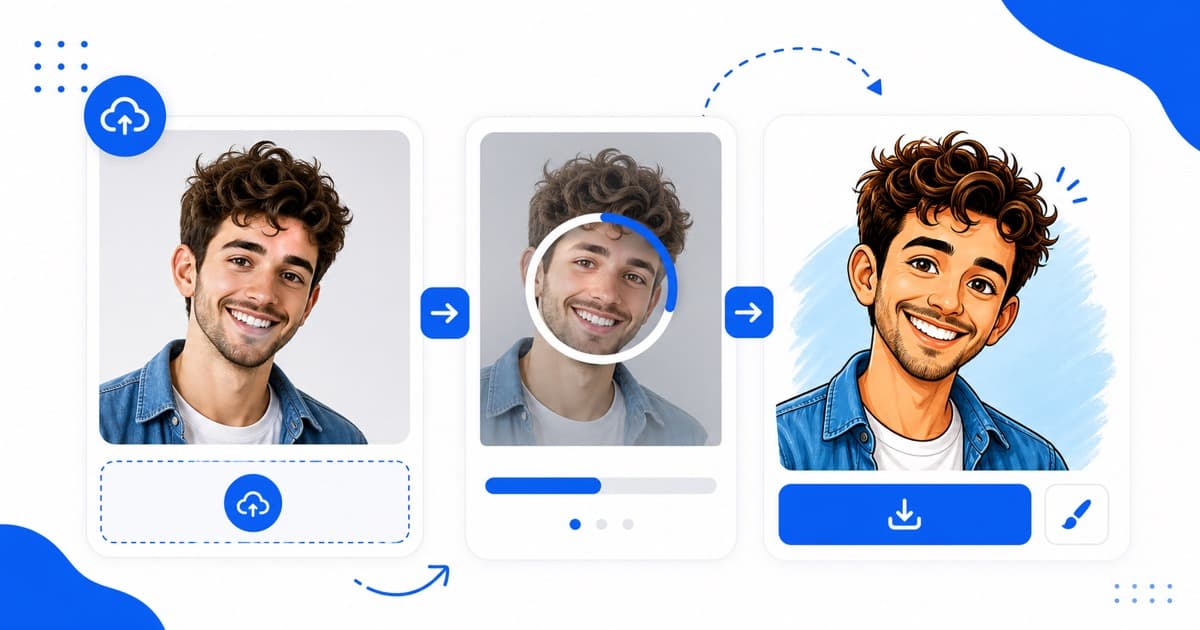
1. Upload your selfie: Go to standard desktop or mobile web browsers.
2. Press Conversion triggers: Our client-side rendering pipeline maps facial guidelines and redraws you using crisp, vibrant cartoon vector paths.
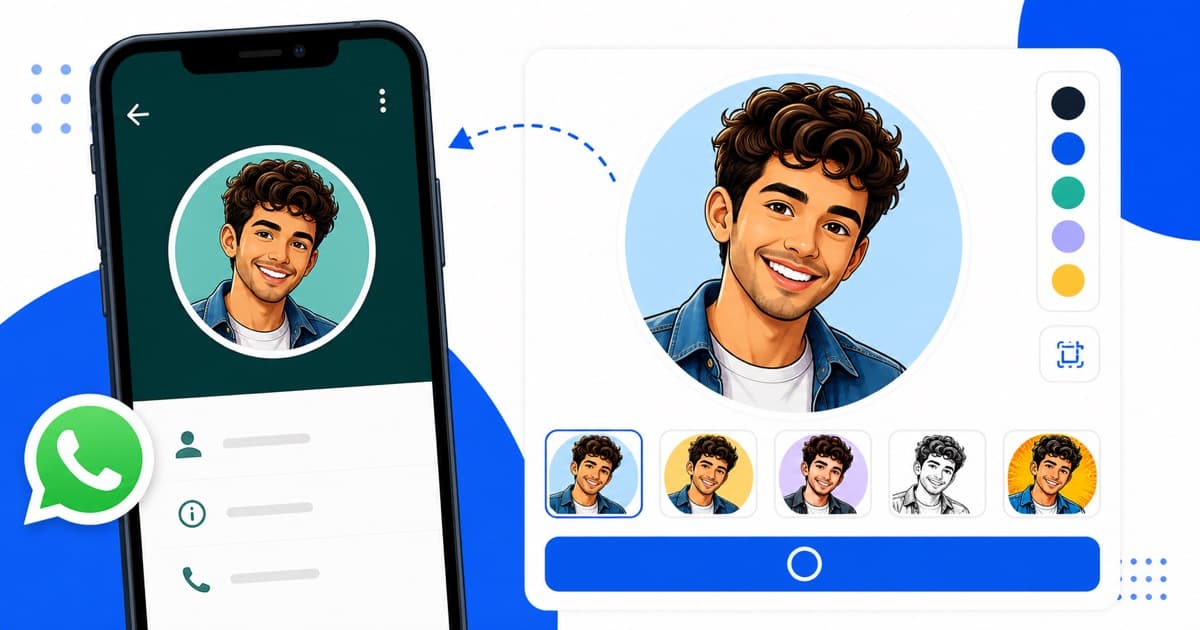
3. Download with 0% hassle: Save your finished cartoon picture instantly to use across WhatsApp, Instagram, or Discord.
Creative Ideas for Your Cartoon Selfies
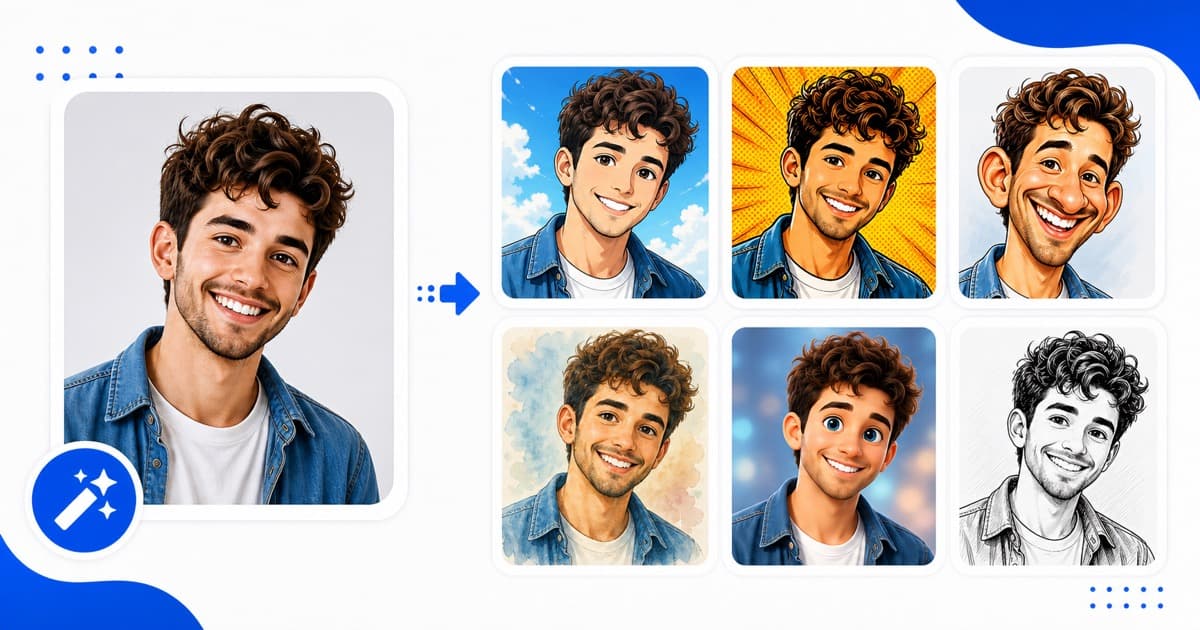
- Custom Twitch/Gaming Avatars: Stand out clearly in small online icons with bold comic strokes.
- Personalized Gift Printing: Create unique high-quality comic shapes to print on hoodies or stickers for children.
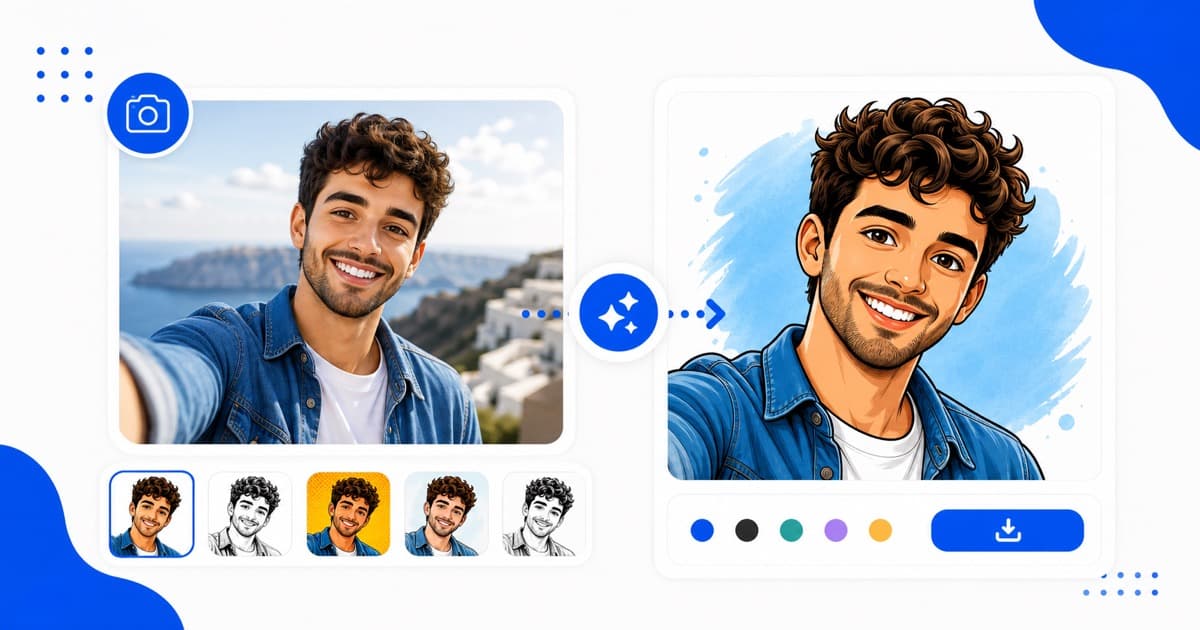
- Nostalgic Ghibli Landscapes: Frame your travel snapshots inside beautiful hand-painted Studio Ghibli art layouts.
Ready to explore your custom cartoon shapes? Create your personalized artwork watermark-free today!