Most free cartoon photo apps add ugly watermarks or limit your free edits. CartoonPhotoEditor.com is different: it is 100% free, requires no signups, leaves no watermarks, and operates right in your browser.
Whether you want to create a funny WhatsApp DP, a cool avatar for Instagram, or simply turn physical photos into memorable vector graphics, this complete step-by-step tutorial will show you exactly how to do it in seconds.
Why Cartoon Photos Are Trending
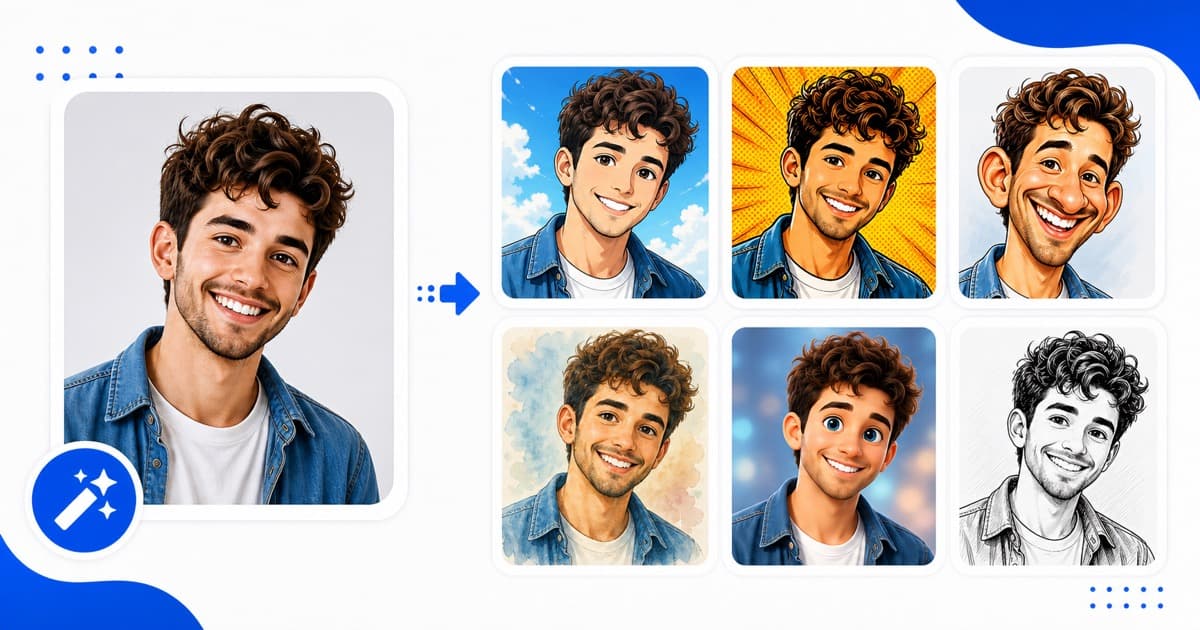
Having a personalized cartoon avatar is more than just a playful custom. It offers a unique layer of privacy on public forums while keeping your profile looking modern, artistic, and recognizable. Game channels, tech forums, and group charts are dominated by cartoon illustration styles because they look highly polished and distinctive.
With professional software like Photoshop, cartoonifying photos takes hours of contour tracing, manual color quantization, and selective blurring. Our automated client-side processing handles all the heavy lifting instantly.
What You Need to Get Started
To translate any regular photo into a cartoon vector outline, you only need:
1. Any phone, tablet, or laptop browser.
2. A photo in JPG, PNG, or WEBP format.
3. An active internet connection.
That's it. You do not need to download bloated utility apps or enter any credit card credentials.
- --
Step-by-Step: How to Turn Your Photo Into a Cartoon
Step 1: Visit CartoonPhotoEditor.com
Open your browser and navigate to CartoonPhotoEditor.com. Our interface is designed to be fully minimal, loaded instantly, and completely ad-free.
Step 2: Upload Your Choice Photo
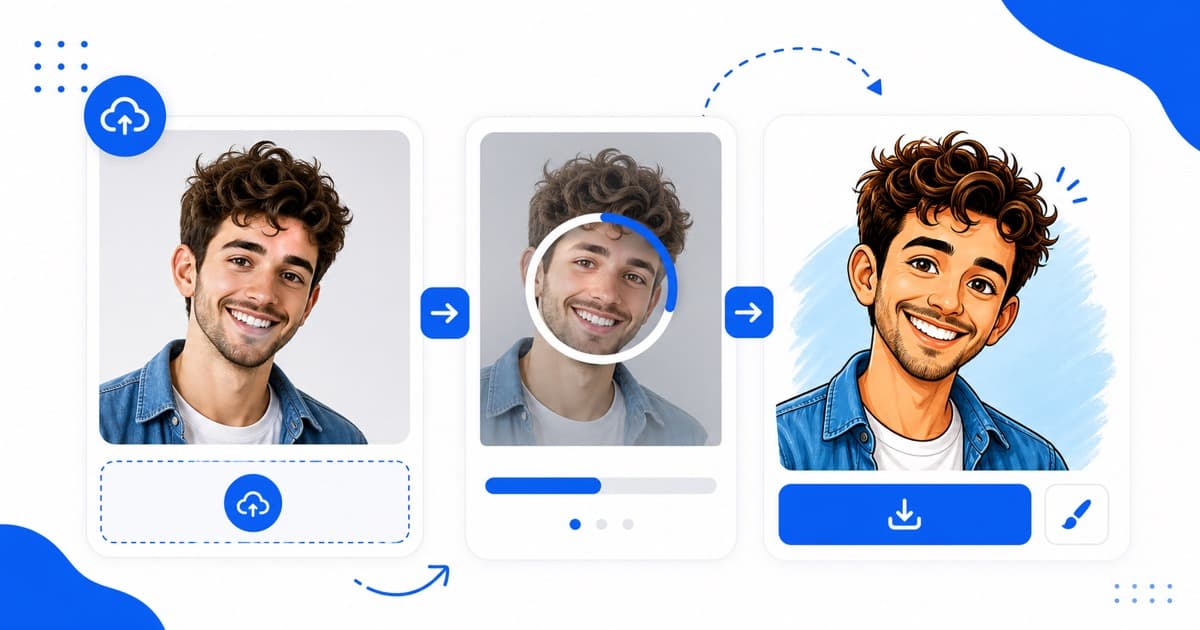
Click the large blue Upload Your Photo button or simply drag and drop your target JPG/PNG selfie into the dotted console boundary. We support images up to 10MB in size.
Step 3: Wait for local AI conversion
Our advanced Canvas rendering system processes pixels locally inside your browser. It automatically detects natural corners, constructs fine black stroke borders, posterizes flat color fields, and transforms vectors in under 10 seconds.
Step 4: Download Watermark-Free
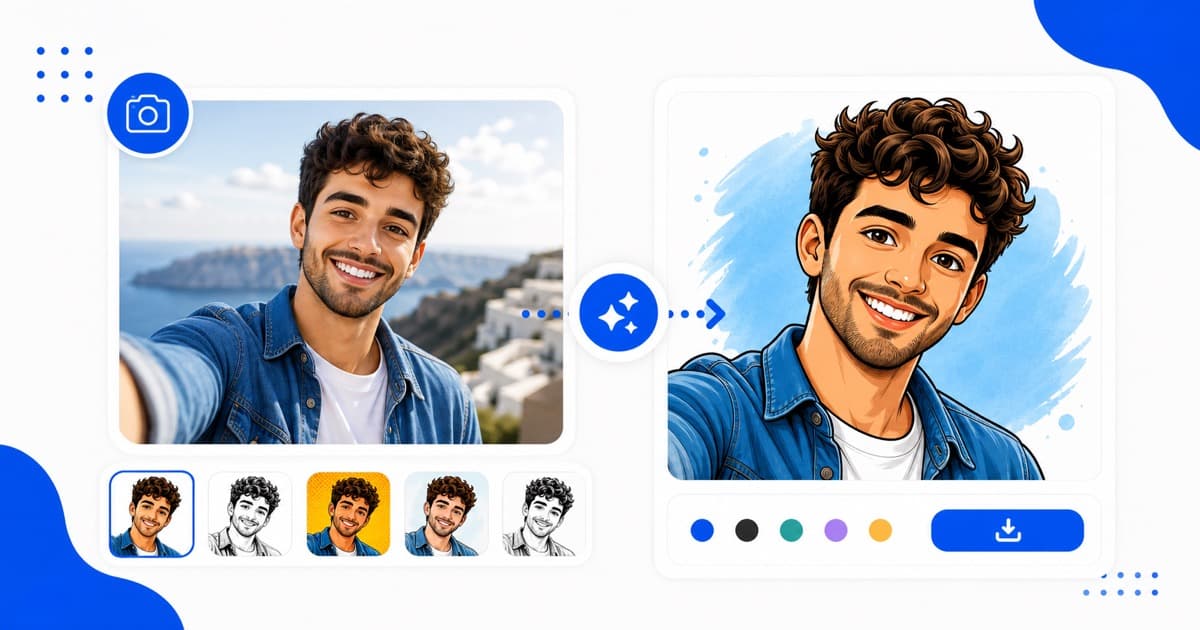
Verify the results side-by-side with your original uploaded asset. When satisfied, click the green Download Free button. Your finished high-resolution cartoon image is instantly saved directly to your local storage without watermarks!
- --
5 Practical Tips for the Best Cartoon Results
To achieve the finest graphic novel outlines and brilliant pastel finishes, pay attention to these qualities before uploading:
1. Front-Facing Angles: Selfies or portraits where your face is looking straight at the camera enable the contour tracker to outline eyes and smiles with maximum accuracy.
2. Clear & Direct Contrast: High-contrast lighting—such as bright outdoor daylight or direct indoor lamps—creates distinct lines that translate into beautiful retro shadows.
3. Avoid Motion Blurs: Pictures that are out of focus or fuzzy make edge-detection difficult, leading to muddy sketch points. Keep it crisp.
4. Contrast Backgrounds: Plain and distinct backdrops are highly recommended to prevent busy backgrounds from bleeding into your subject outline.
5. No Hats or Sunglasses: While accessories can be fun, sunglasses hide eye coordinates, which minimizes the "cartoon anime" hand-drawn effect.
What Can You Do with Your Finished Cartoon Art?
Your free, watermark-free cartoon photos have limitless creative use cases:
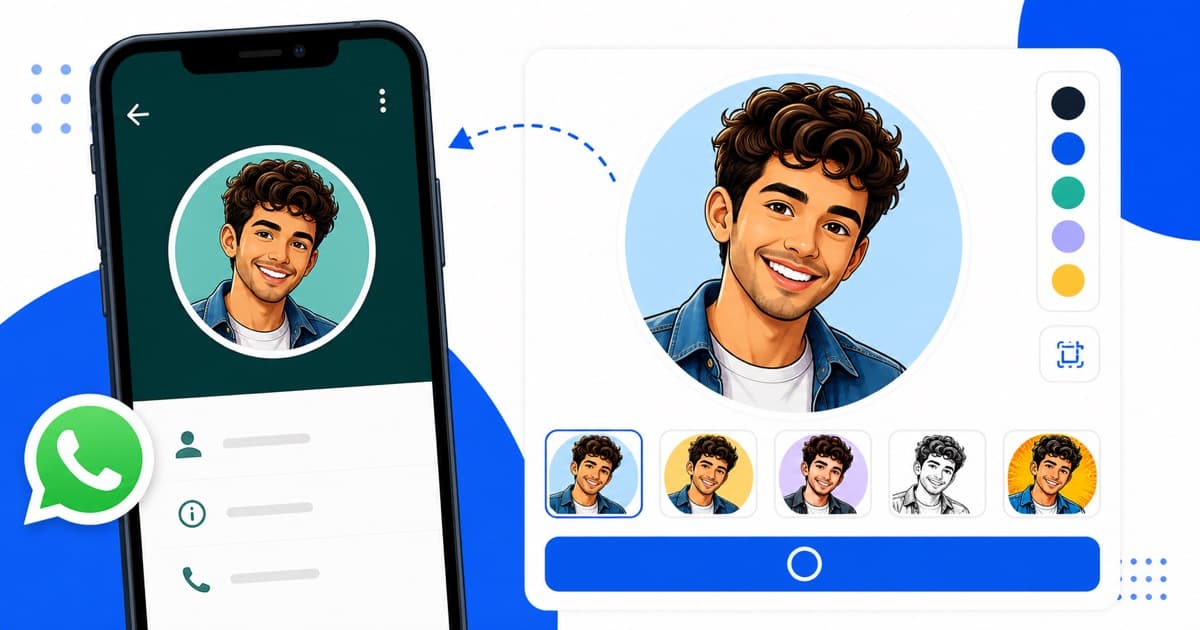
- WhatsApp DPs: Set as your main display image to look distinctive.
- Corporate Profiles: Create customized comic team slides for presentations.
- Printed Merchandise: Print onto mugs, custom stickers, or t-shirts for personalized family gifts.
- Festive Invitations: Design cool hand-sketched cards for birthdays and social get-togethers in India.
Ready to try it out? Open the home console and start editing instantly!