
Anime Photo Editor — Free Online
Turn any photo into anime style instantly
or drag and drop your image here
Supported formats: JPG, PNG, WEBP — Max 10MB
What is Anime Style Photo Editing?
Anime style photo editing leverages advanced high contrast pathways, delicate stroke lines, and soft pastel overlays to convert standard portrait photos into hand-drawn Japanese animation. Our specialized filter analyzes facial features, eyes, and skin tones, applying bright luminous colors and dream-like sky grading to replicate your favorite modern anime graphics.
Unlike general cartoon filters which use heavy solid black outlines, the anime photo editor focuses on preserving detail while creating an illustrative, high-fidelity look. This makes it perfect for creating custom profile pictures (PFPs) for social media, WhatsApp DPs, gaming avatars, or transforming scenic landscape photos into beautiful Ghibli-esque backgrounds.
How to Turn Your Photo Into Anime
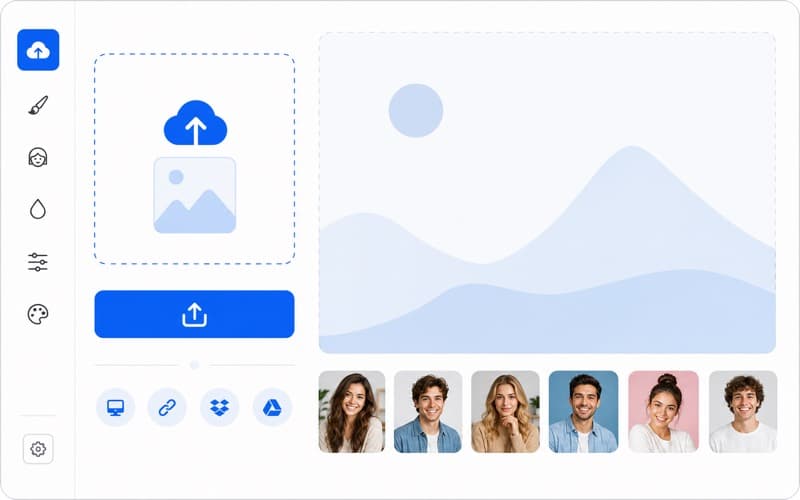
Upload to Anime Editor
Select or drag your JPG, PNG, or WEBP picture onto our anime style console window.
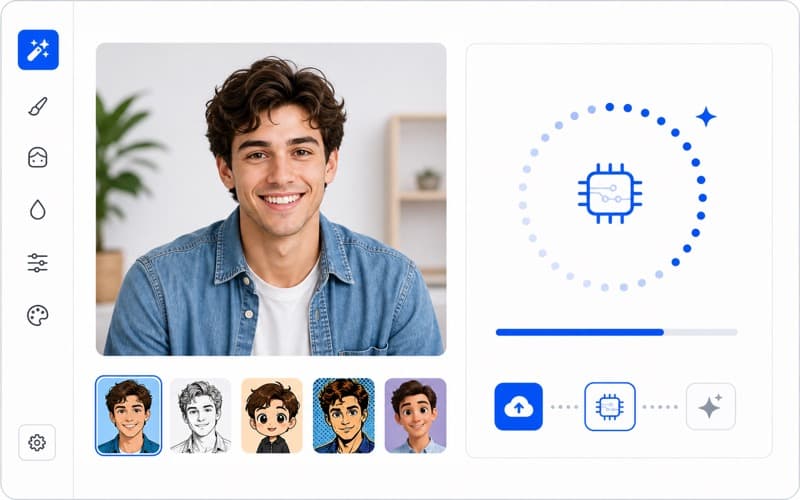
AI Anime Magic
Our specialized local rendering algorithms apply light blooms and dreamy pink pastel grading.
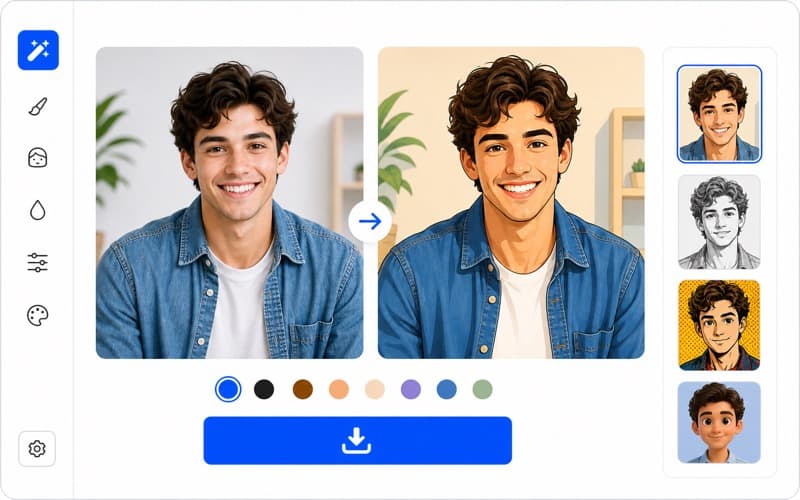
Download Dynamic Art
Instantly download your watermark-free anime-styled photo to share on WhatsApp or Instagram.
Before & After Comparisons
Compare real user photos and their corresponding finished hand-sketched cartoonify versions below.
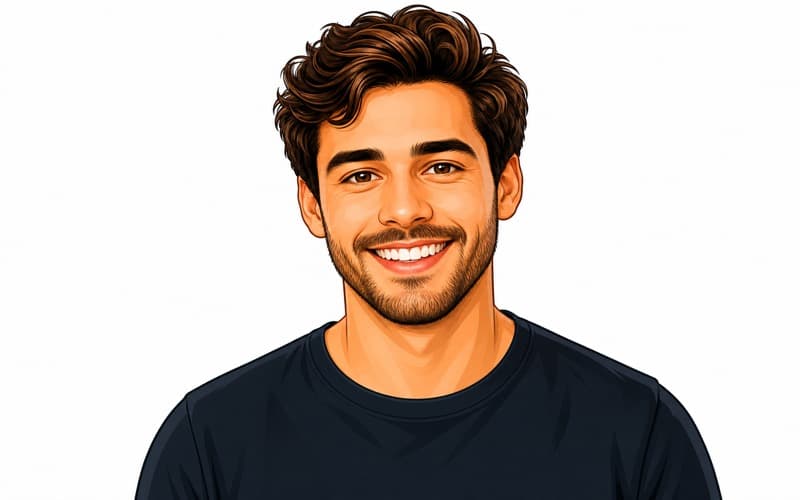

Real results from CartoonPhotoEditor.com
Face features are turned into crisp vector paths with soft contours.
Portrait Photo
Portrait of a woman turned into cartoon model style
Pet Photo
Golden retriever dog transformed into cute cartoon art
Group Photo
Friends hanging out transformed into cartoon style illustration
Style Gallery Examples
Take inspiration from our sample grid displaying artistic stylized outputs generated with similar filters.

Anime Portrait Style

Classic Comic Book Style

Funny Caricature Generator

Studio Ghibli Painting Filter
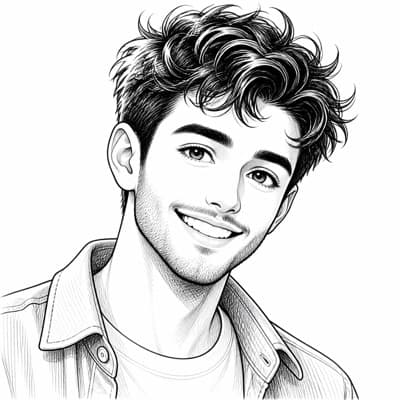
Black and White Ink Sketch

Vector Pop Art Style
All examples created with CartoonPhotoEditor.com — free and instant
Anime Photo Editor FAQs
An anime photo editor is an AI-powered tool that converts your normal real-world photos into hand-drawn Japanese anime style art. It optimizes color brightness, saturates skies, and streamlines facial structures to match aesthetic animations.
Visit CartoonPhotoEditor.com/anime-photo-editor, upload your target JPG or PNG photo, watch the conversion, and click download. It takes under 10 seconds and requires no payments.
Yes, the filter preserves your key facial expressions and features while beautifully transforming them into anime illustration paths, ensuring high aesthetic realism.
Definitely! The anime model handles background landscapes, human faces, and pets (dogs, cats) with specialized illustration paths.
Anime style usually features more vibrant color grading, high light blooms, and delicate hand-drawn lines, whereas the classical cartoon style focuses on thick borders and segmented solid color shading.
Related Tools & Guides
Try other visual filter styles watermark-free: caricature makers, comic styles, and Studio Ghibli models.